

Sign in with Google, GitHub and Apple ID
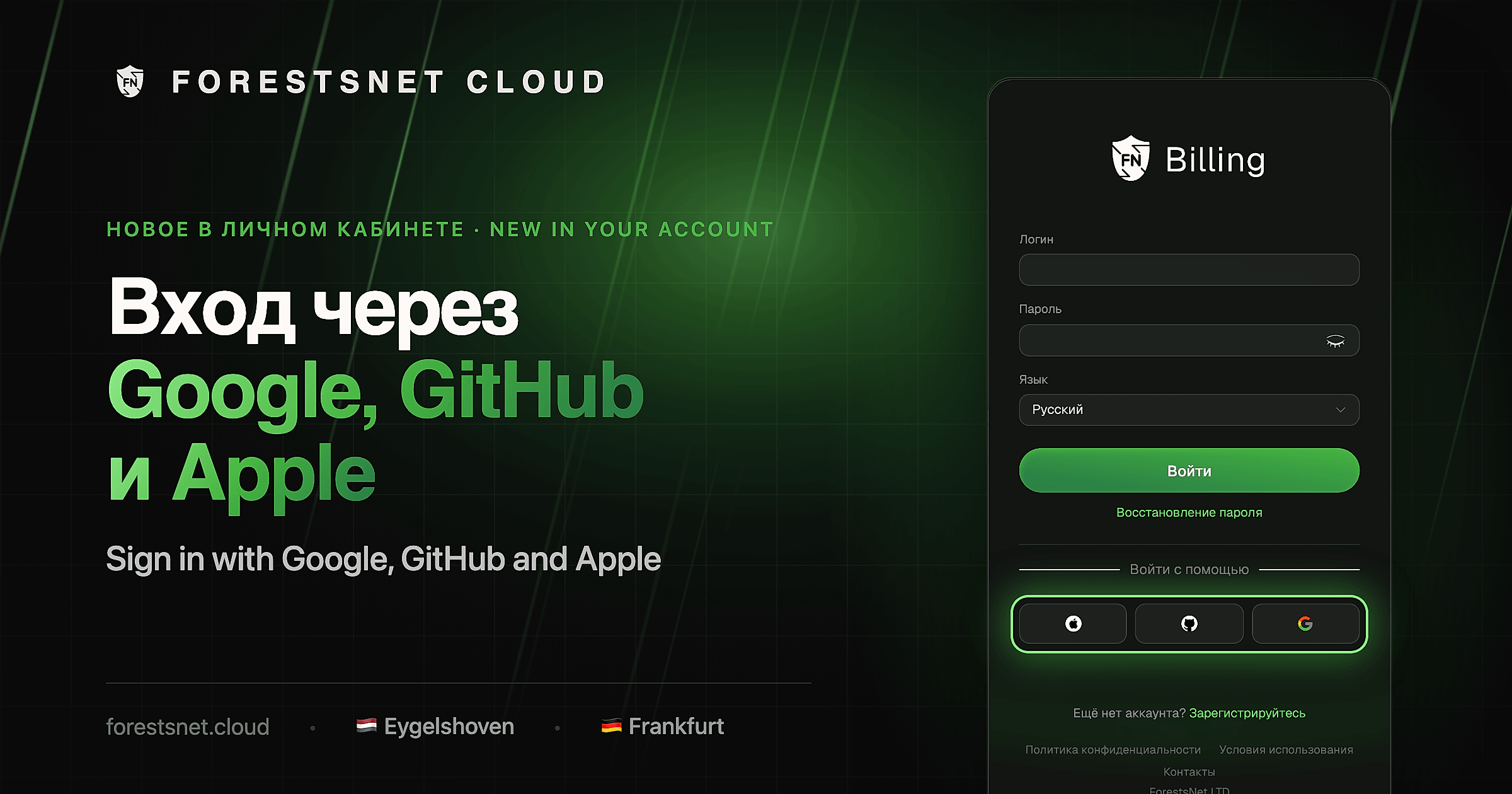
Your account at my.forestsnet.cloud now supports signing in and signing up with Google, GitHub and Apple ID. The buttons are right on the sign-in and sign-up pages.
New customers: sign up in one click
Click the service you use and confirm the sign-in there. Your name and email come from the service — no need to come up with a password.
Already have an account with us
Link the service once, then sign in with the button:
- Open the profile menu in the top right and go to your user settings.
- Open the external authorization services tab.
- Link the service you want to use.
What we receive
Only your name and verified email. The apps ask for minimal permissions:
- GitHub —
read:useranduser:email - Google —
openid,emailandprofile - Apple — name and email
We get no passwords and no access to your repositories, mail or files. With Apple you can hide your email — our emails will still reach you.
